
Meeting/Event Information
Adobe Workshop
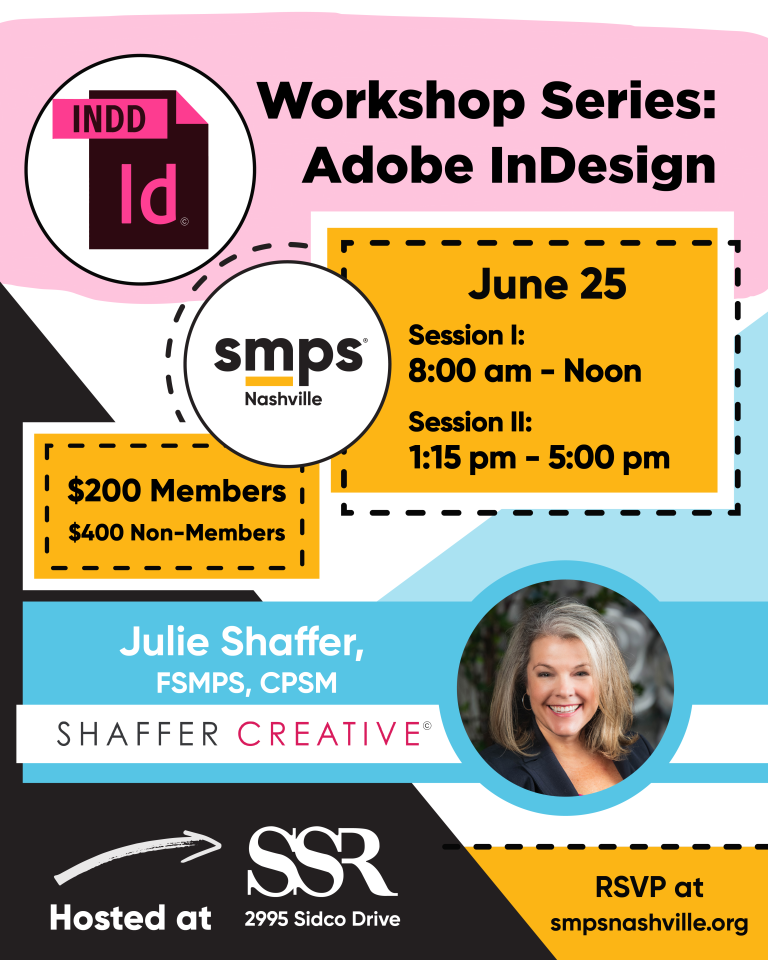
June 25, 2026
8:00 AM - 4:00 PM
SSR
2995 Sidco Drive
Nashville, TN 37204
http://www.ssr-inc.com
 Add to Calendar
 Directions
Morning - Session 1: InDesign Essentials for AEC Marketers
Target Audience: AEC marketers with 1+ years of Adobe InDesign experience
Prerequisites:
· Understanding of AEC marketing materials (e.g., proposals, SOQs, presentations)
· A licensed version of Adobe InDesign installed on your laptop
Let's be honest — your InDesign files look great as PDFs, but they're a hot mess under the proverbial layout hood. You'll figure out the right way later, right? Well, later is today. This hands-on morning session is your no-judgment, finally-get-it introduction to InDesign, built specifically for AEC marketers who have real deadlines, real brand standards, and zero time for a tutorial that starts with 'what is a pixel.' We're skipping the fluff and going straight to the stuff you'll actually use — including some of InDesign's newest features that make the whole process faster, smarter, and fun.
Every example in this session uses AEC content — think project sheets, resumes, and org charts — because practicing on lorem ipsum has never helped anyone hit a 4 pm submission deadline. You'll work inside follow-along files that mirror the exact file types your firm produces, make your very normal early mistakes in a room full of people doing the same thing, and leave with both a finished layout and the mental models to build the next one faster. By lunch, InDesign will feel less like a locked room and more like a tool you actually own. And, because AI is everywhere, we're also covering InDesign's generative AI features and other AI tools.
Key Takeaways
· Navigate with confidence: Understand InDesign's workspace, panels, and tools so the interface stops being an obstacle and starts being an asset.
· Build a document correctly from the start: Set up pages, margins, guides, bleeds, and parent pages in a way that prevents rework when deadlines hit
· Place and manage content: Import Word and Excel files, place images, and control text flow across a multi-page document
· Use paragraph and character styles: Use AI to apply consistent typography across a pursuit with styles that make document updates easy.
· Build tables that don't embarrass you: Create tables and schedules using InDesign's table tools — with cell styles and table styles so they stay consistent when content changes.
· Package and deliver files: Export optimized PDFs so your work survives the trip from your screen to the printer or the client
Afternoon - Session 2: Design Psychology and Advanced InDesign for AEC Professionals
Target Audience: AEC marketers with an intermediate understanding of Adobe InDesign
Prerequisites
· Familiarity with intermediate InDesign functions, including creating and using paragraph and character styles
· A licensed version of Adobe InDesign installed on your laptop
· Experience with creating AEC marketing materials (e.g., proposals, SOQs, or presentations)
You already know your way around InDesign — but knowing the tools and knowing how to make them work for an evaluator's brain are two different skill sets. This afternoon session bridges that gap by combining advanced InDesign techniques with documented perceptual science: specifically, how AEC proposal reviewers process a page, where their eyes land first, and what design decisions accelerate or destroy your score before a word is read. You will leave with a set of high-leverage production skills and a new mental model for every document you build — one that treats the evaluator's attention as the finite, precious resource it actually is.
Reviewers spend an average of five to ten minutes on initial screening — triaging, not reading. This session is built around that reality. Using side-by-side critique exercises drawn from AEC examples, you will diagnose exactly why certain layouts create friction, and others create confidence, then connect those diagnoses directly to InDesign features you may have underused: GREP styles, nested styles, object styles, CC Libraries, and long-document automation. You will also explore how AI tools — from Adobe Firefly's Generative Expand to InDesign's built-in AI suggestions — can accelerate production without sacrificing brand control. And you will walk away with a 10-point pre-submission design checklist developed from perceptual science research — a practical audit tool you can run before every go/no-go decision.
Key Takeaways
· Design for the evaluator's brain, not the rubric: Apply perceptual science principles — scanning patterns, salience budgets, anchoring bias — to make your proposals easier to score in your favor.
· Control attention with color, spacing, and repetition: Build a deliberate visual system that trains the evaluator to find scored content without having to hunt for it.
· Master long-document automation: Use GREP styles, nested styles, object styles, and scripts to manage multi-section proposals with consistency and speed.
· Work smarter CC Libraries and AI: Share brand assets firm-wide through CC Libraries and use Adobe Firefly and InDesign's AI tools to accelerate production without losing brand control.
· Audit before you submit: Apply the 10-point pre-submission checklist to reduce cognitive load, improve scannability, and anchor the reviewer's first impression in your favor.
Tickets
$200.00 SMPS Members
$400.00 Non-Members